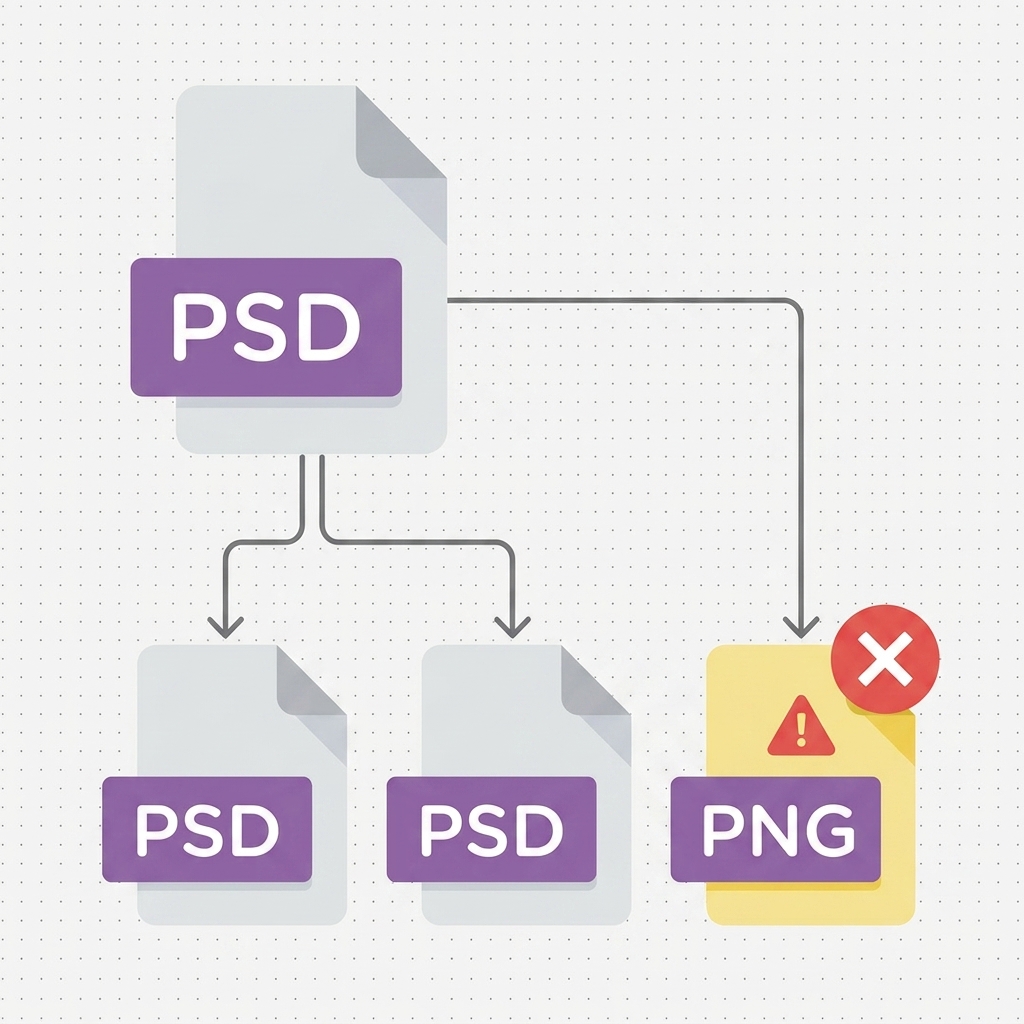
I built a Photoshop script that audits and updates smart object links across large Photoshop files.
The problem
Any art studio managing a large-scale asset pipeline knows this one. Smart objects in Photoshop reference external files. When those files move, renamed folders, reorganized projects, asset migrations, every linked smart object across every file needs to be redirected to the new location. Doing this by hand at production scale is slow, error-prone, and the kind of work nobody wants to be assigned.
The script
The script walks a Photoshop file and inventories every layer that holds a linked smart object, where it sits in the layer hierarchy, what file it points at, and whether that link still resolves. The output is a sortable log that can be exported to CSV for auditing, with a filter to surface only the missing links.

From there, missing links can be retargeted in batch, map old paths to new paths, run the rewrite, save. The native Photoshop workflow for this case was unreliable at scale; the script makes it predictable, with a record of what changed.
Why I built it
I was watching production teams burn hours on a problem that didn’t need to involve a human. The fix was small in scope but large in cumulative time saved. That’s the kind of utility I tend to build when nobody else is going to.