I shipped a plugin to the Figma Community: Figma Image Sync. It’s a small tool
for keeping FigJam image fills in lockstep with a local folder of PNGs.
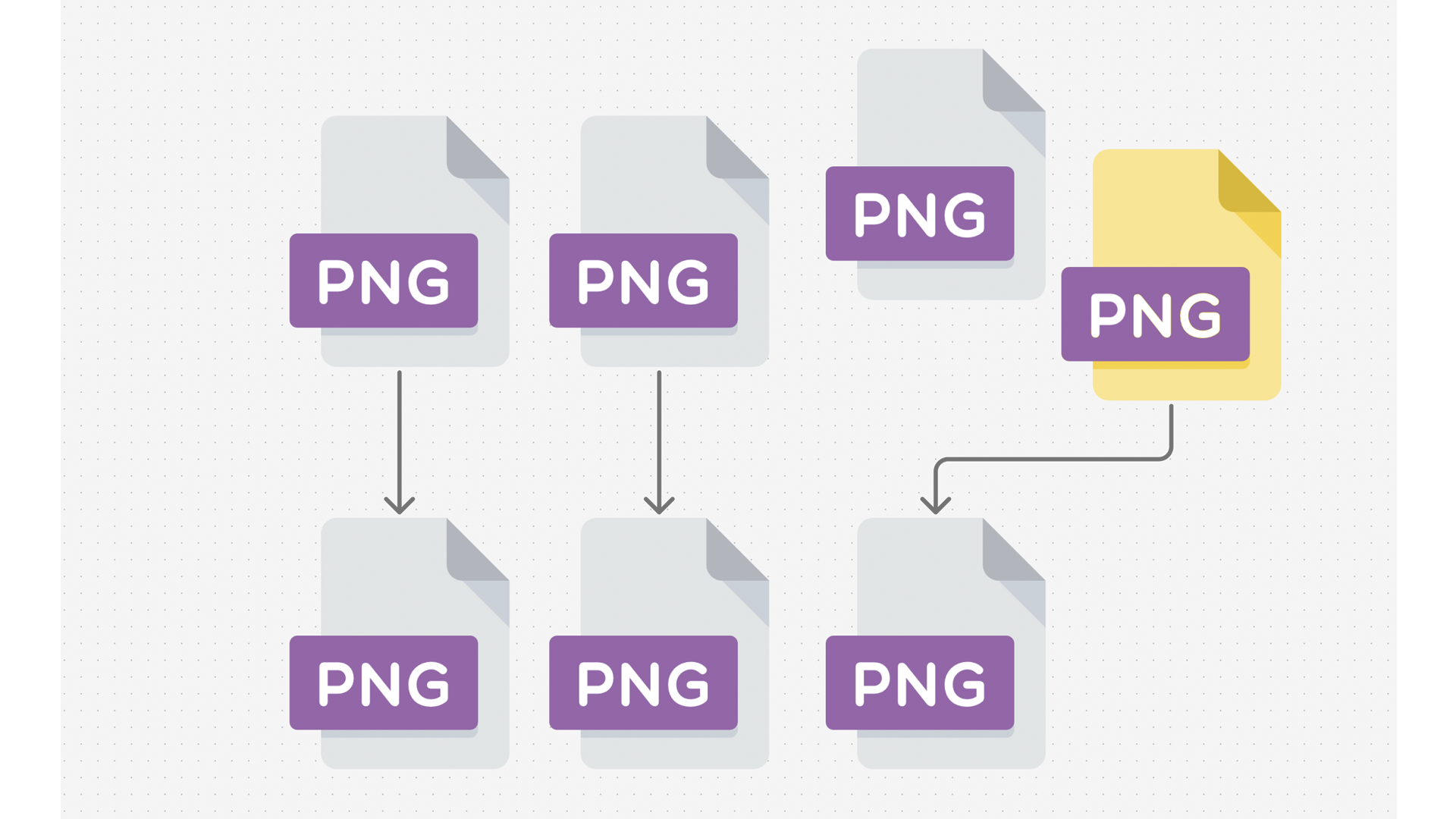
Quoting the listing:
Sync your FigJam image fills from a local PNG folder. Import once, then keep everything up to date with
Sync Selected or Sync All. Perfect for teams sharing assets via tools like Resilio Sync.
What it does
- Import, drop in a whole PNG folder (recurses into subfolders) and auto-link each image.
- Sync Selected / Sync All, refresh existing nodes and add new ones by matching relative paths (fallback to filename).
- Relink, fix a single image quickly using the Selected panel or the List modal.
- Show Linked, select and zoom to all linked images on the current page.
- List Sources, inspect all mappings.
Why it exists
It comes out of the same pattern as the in-house video review tool:
a team is already syncing files around via Resilio
Sync, and the design tool needs to keep up automatically when those files change. Without this, you end
up dragging PNGs back into Figma by hand every time an asset gets updated, which is a tax that compounds
fast on any project that has more than a dozen image references.