The problem
As a single parent, getting a kid to agree on what to do on any given day is its own small project. The hard part comes in two stages: first the research, finding options that are actually worth the trip, and then the review, where you narrow a big list down to something you both commit to. What To Do is the tool I built to make both stages easier.
How it works
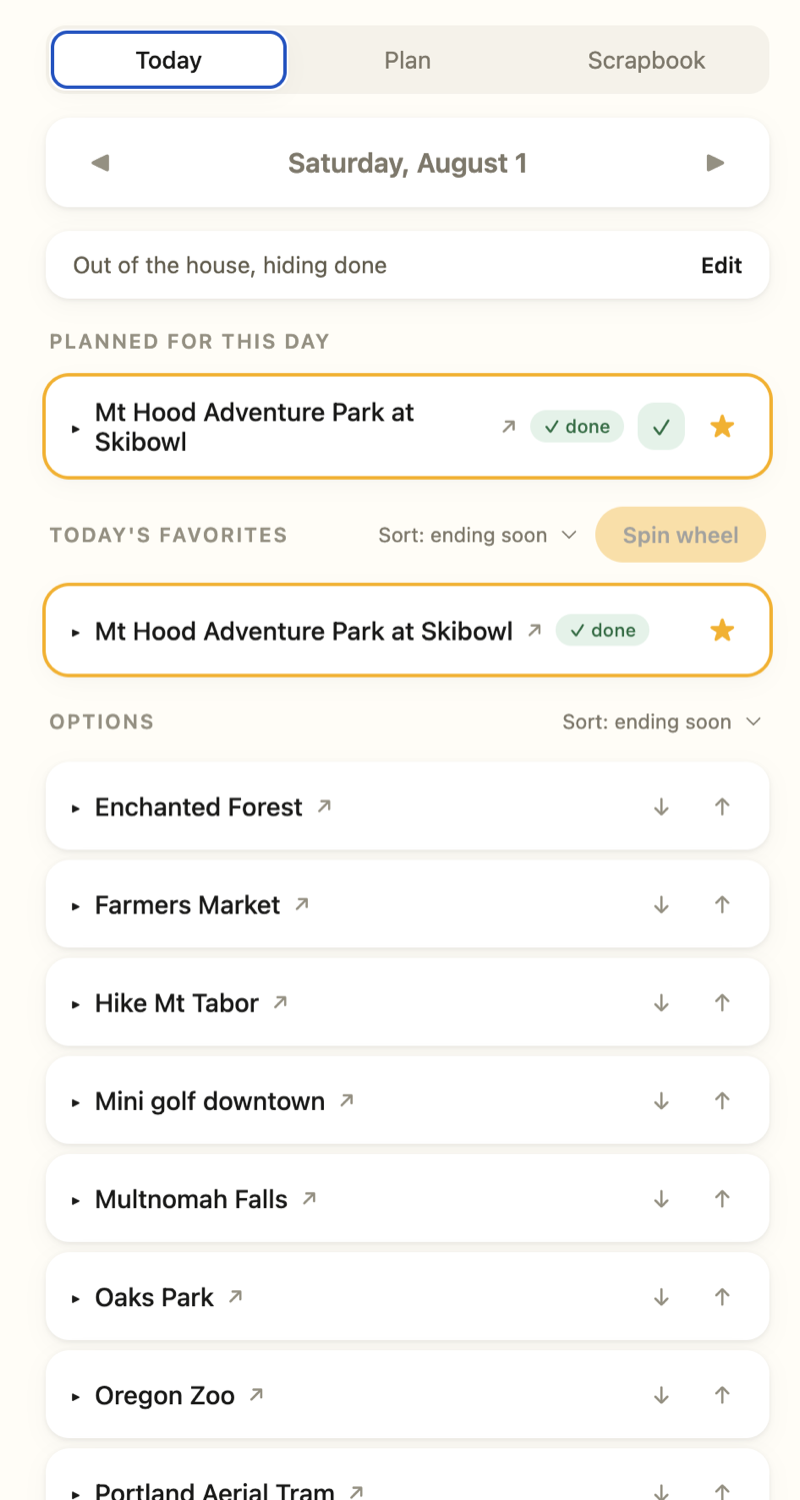
The research runs mostly on autopilot. I have AI scour for local options, events, outings, and things happening nearby, and I manually approve the good ones into the database so they show up in the app. That keeps the list fresh without letting it fill up with noise.
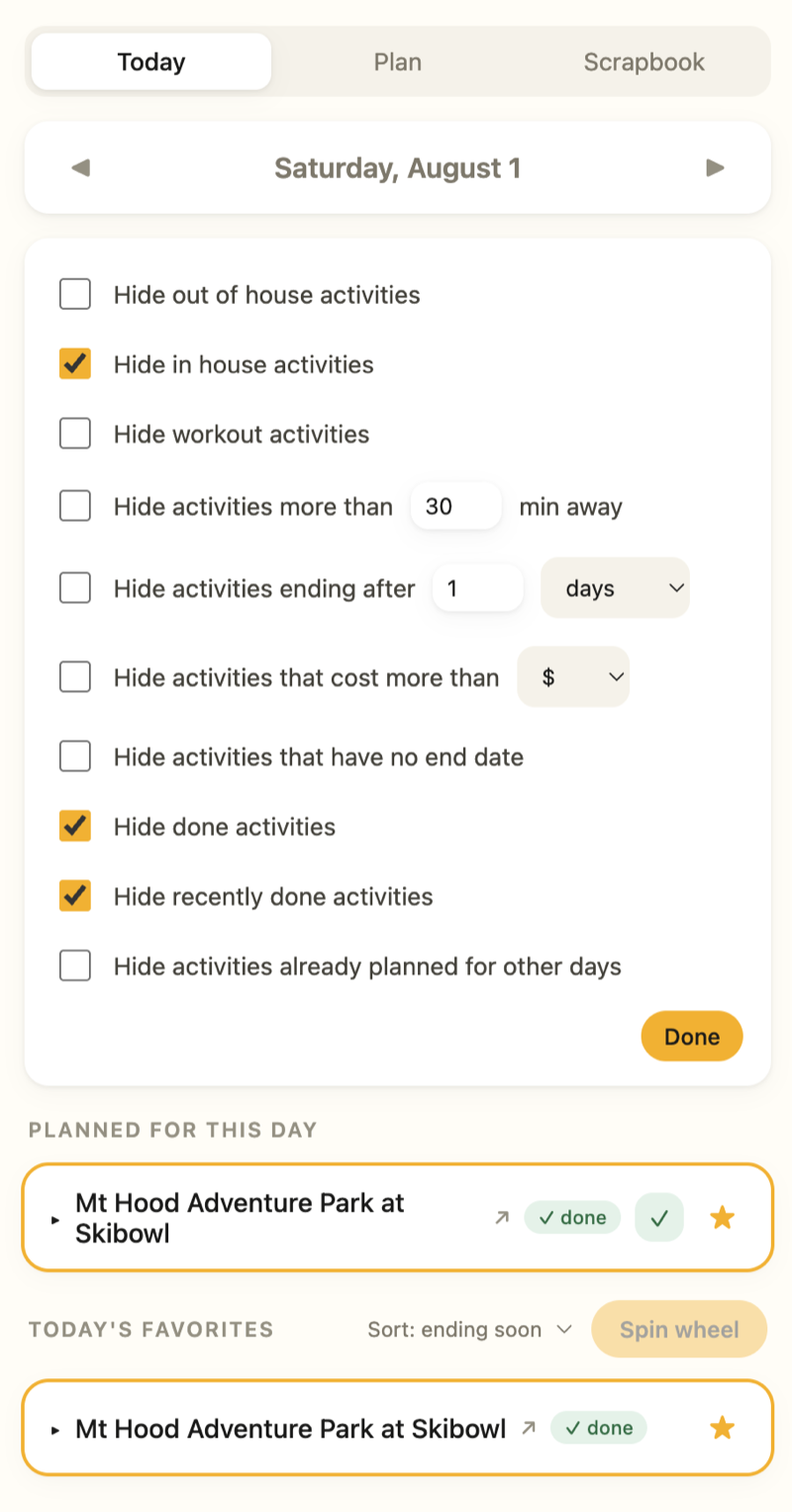
Then the app takes over the review side. On the Today view you pick a date and see only what is actually available then, split into favorites and the rest. A panel of filters hides what does not fit right now: in or out of the house, travel time, cost, how soon the window closes, and whether something is already done or planned. My kid and I go through it together, sending the good ones up and waving off the rest, until the list is short enough to actually decide from.
The wheel
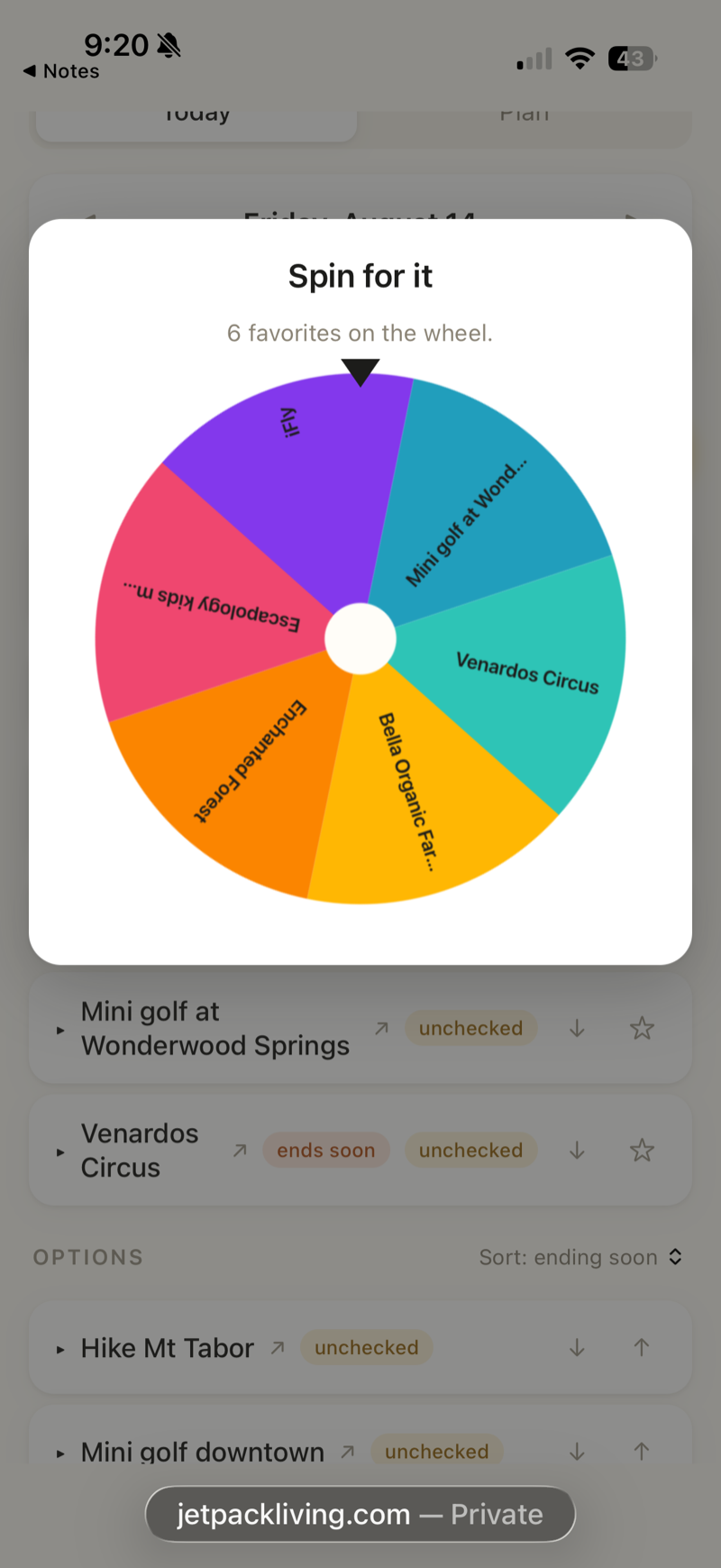
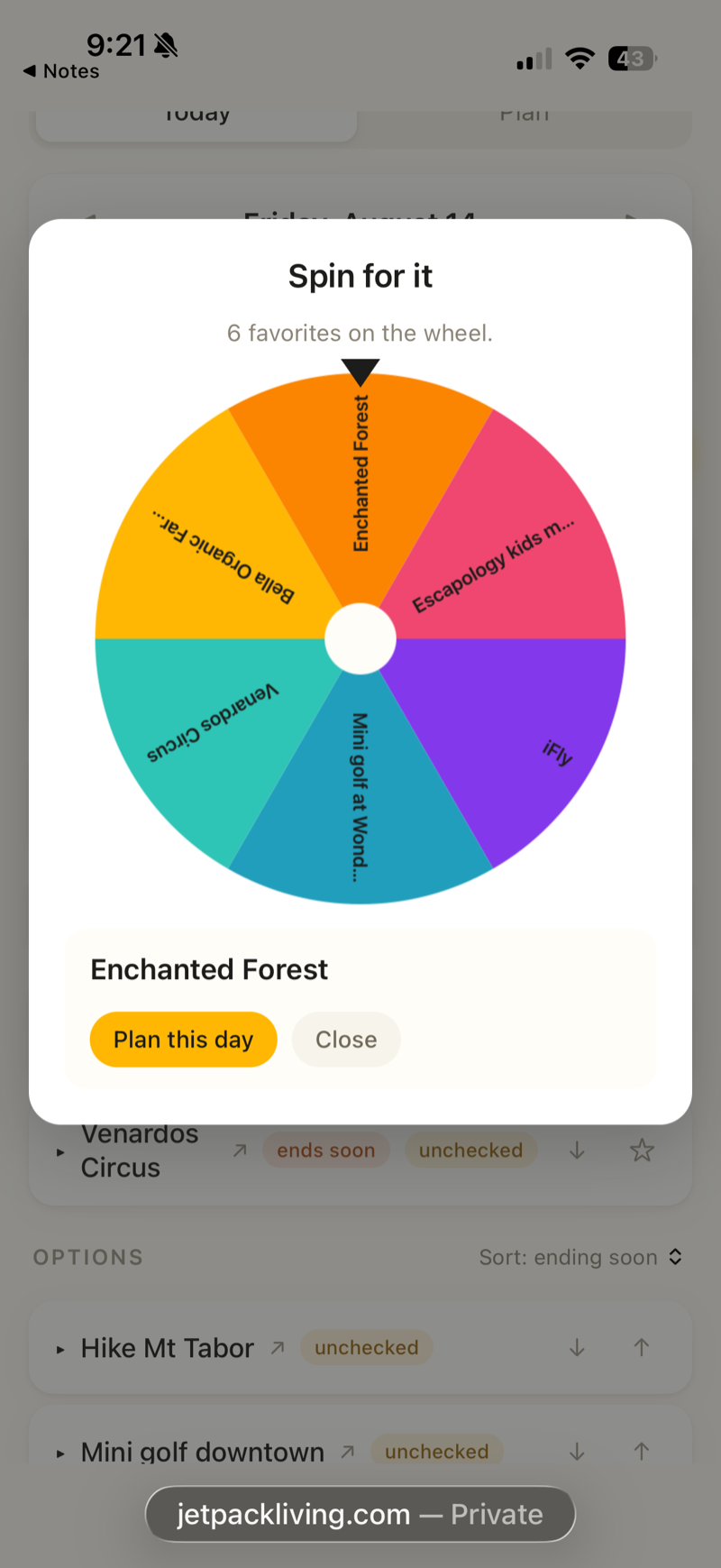
When we get down to a handful of good options and still cannot choose, the Spin wheel decides for us. It draws from the day’s favorites, spins, and lands on one, which drops straight onto the calendar as the plan for that day.
Planning the week
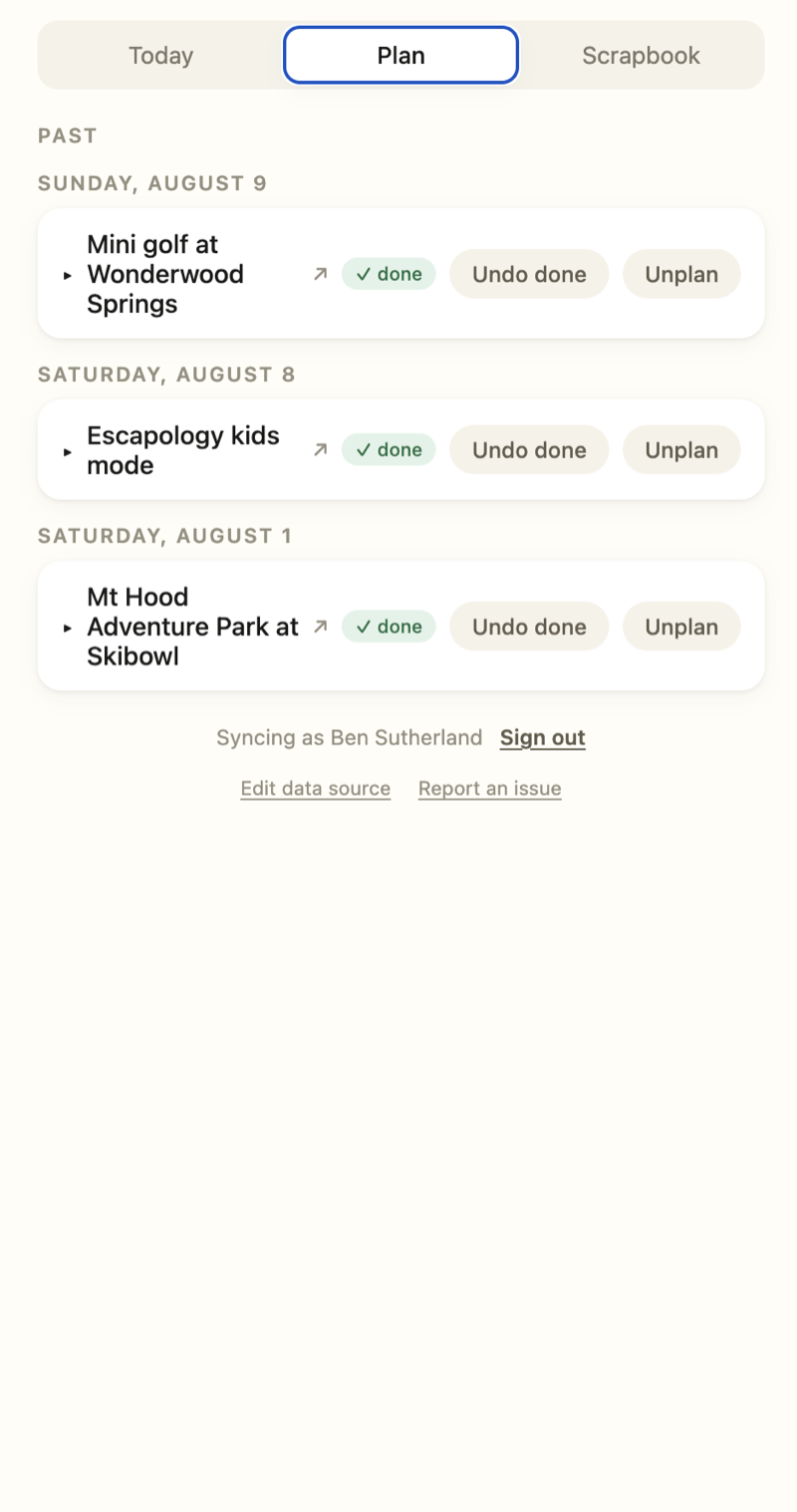
A separate Plan view collects everything scheduled by day, past and upcoming, so the week has a shape. Each item can be marked done as we go, or unplanned if things change.
The scrapbook
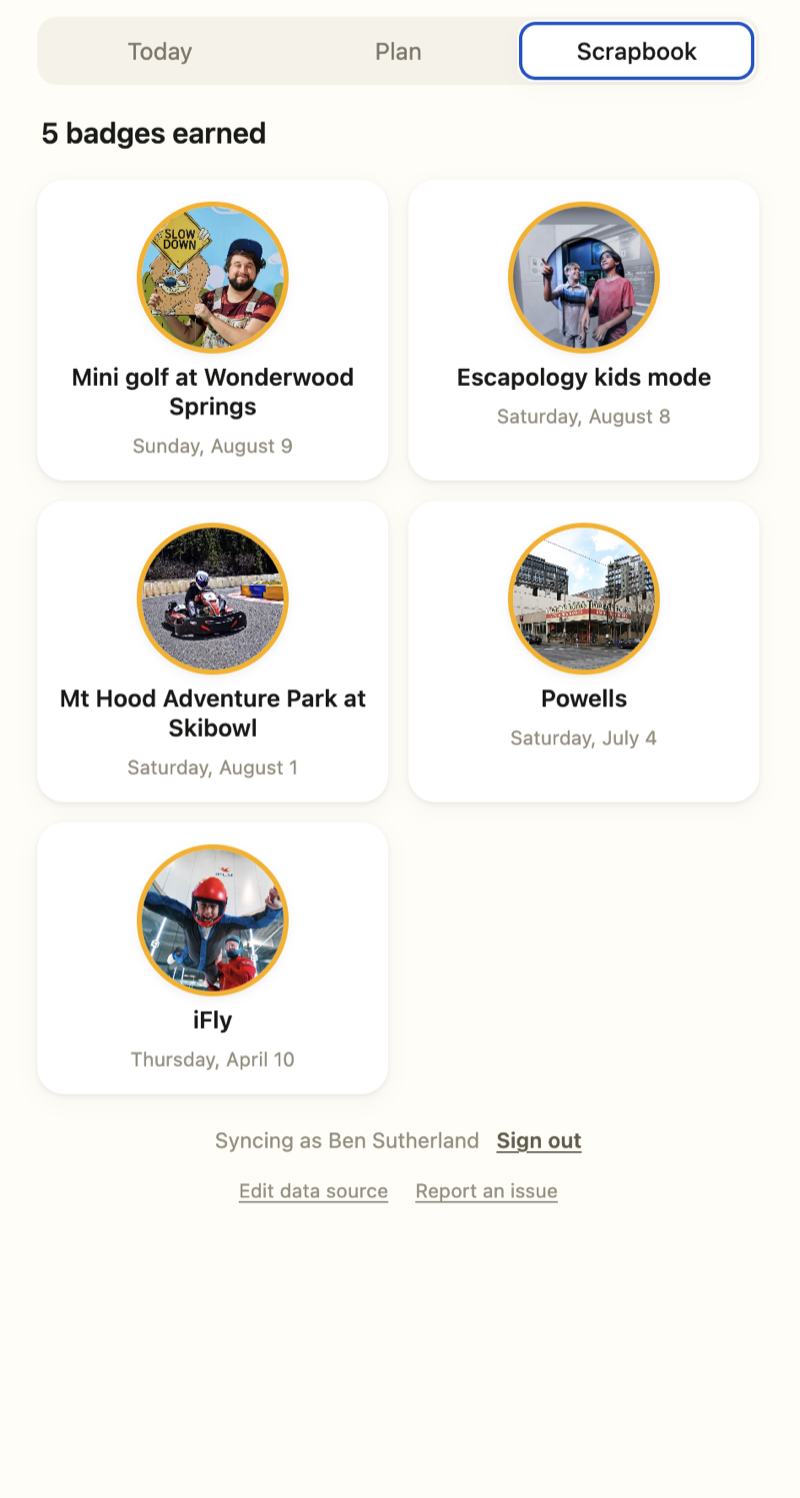
Once we actually do an activity it earns a badge, and those badges collect in a Scrapbook: a running photo record of everywhere we have been, each with the date we went. Over time the app becomes less of a to-do list and more of a scrapbook of the year.
Under the hood
It started as a static, local-first app: no accounts, everything kept in one browser. It now syncs to an account behind a real backend, so a family’s list, plans, and scrapbook follow them across devices, with support for multiple families each keeping their own. It is still served as a single self-contained front end, which is also how it is hosted on jetpackliving.com as a live test build.
Credits
Design and build by Ben Sutherland.